
Fast, Convenient, Cross-Platform Chat Experience
Simple, efficient, seamlessly synced communication.
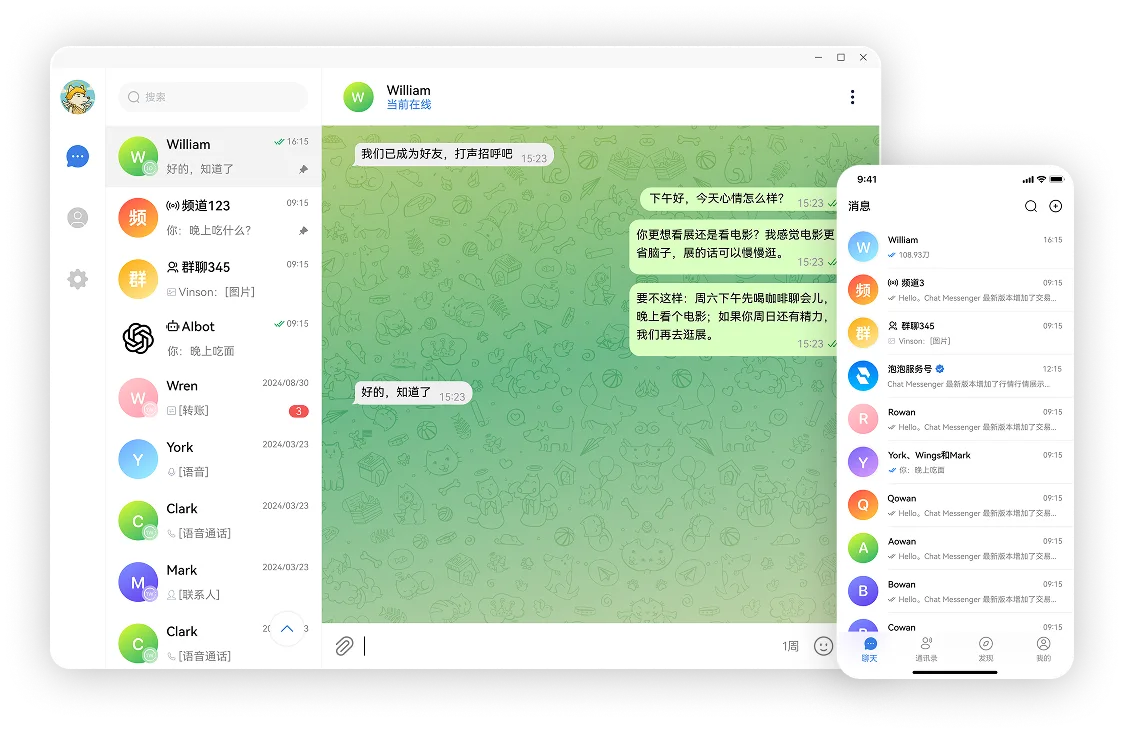
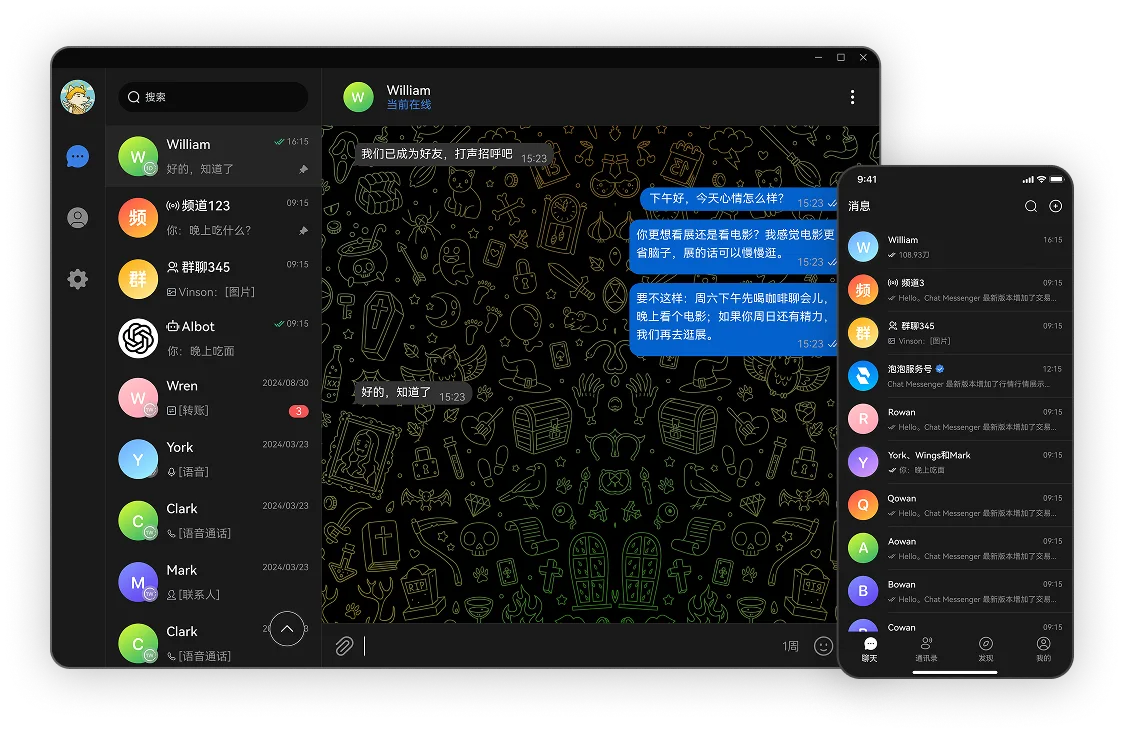
Bubble's Core Capabilities
Efficient Communication
Smooth and stable message delivery, ensuring your conversations are always reliable.
Multi-Device Sync
Real-time sync across phone, web, and desktop, keeping messages consistent everywhere.
Multi-Language Chat
Multi-language support for easy communication with friends around the world.
Auto Message Cleanup
Automatically clear messages within your set time period to protect your privacy.
Group Permissions & Role Management
Admin, members, bots... flexibly manage every group.
Smoother File & Media Transfer
Faster and more stable file, image, and video transfers for a smoother communication experience.
Anytime, Anywhere Multi-Platform Access
Smooth chat experience anytime, anywhere
Real-time file and message sync
Freely switch between mobile, web, and desktop

Use Cases
"Our team's cross-border communication efficiency has doubled. The chat feature is stable and smooth, no more worrying about message delays or file transfer failures."
Web3 Project Operations Lead
Tech Internet Company
"Bubble makes community management so much easier. Announcements, permission management, group collaboration - all incredibly smooth. Perfect for project teams."
Community Lead
Internet Ecosystem Project
"Clean interface, fast message sync, overall experience is very smooth."
Power User
Freelancer
Connecting Global Users, Making Communication Simple
Lightweight, fast, stable and efficient, providing a consistent communication experience for global users.